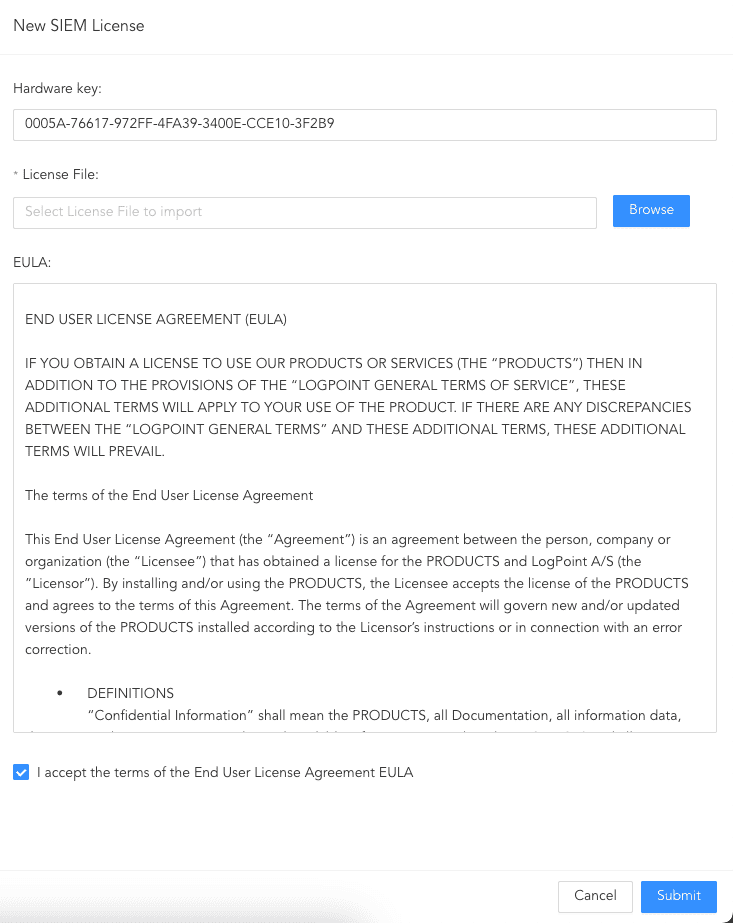
You can start using Logpoint for a 30-day trial so you can easily configure and evaluate Logpoint before purchasing a full license. By default, you get 5 nodes and 1 SOAR seat. When using a trial version, a notification is displayed at the top right corner that also includes how many usage days you have left. After adding a license, it’s removed.
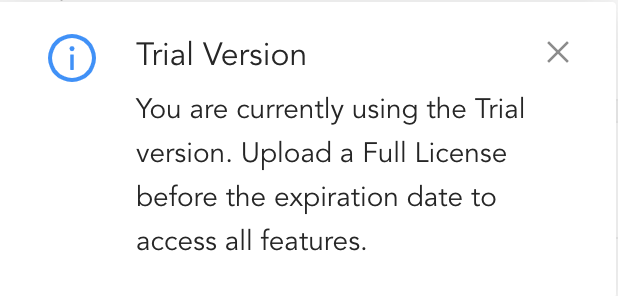
Trial Version
You can upload and manage SIEM, SOAR, and UEBA licenses from Settings >> System Settings >> Licenses.
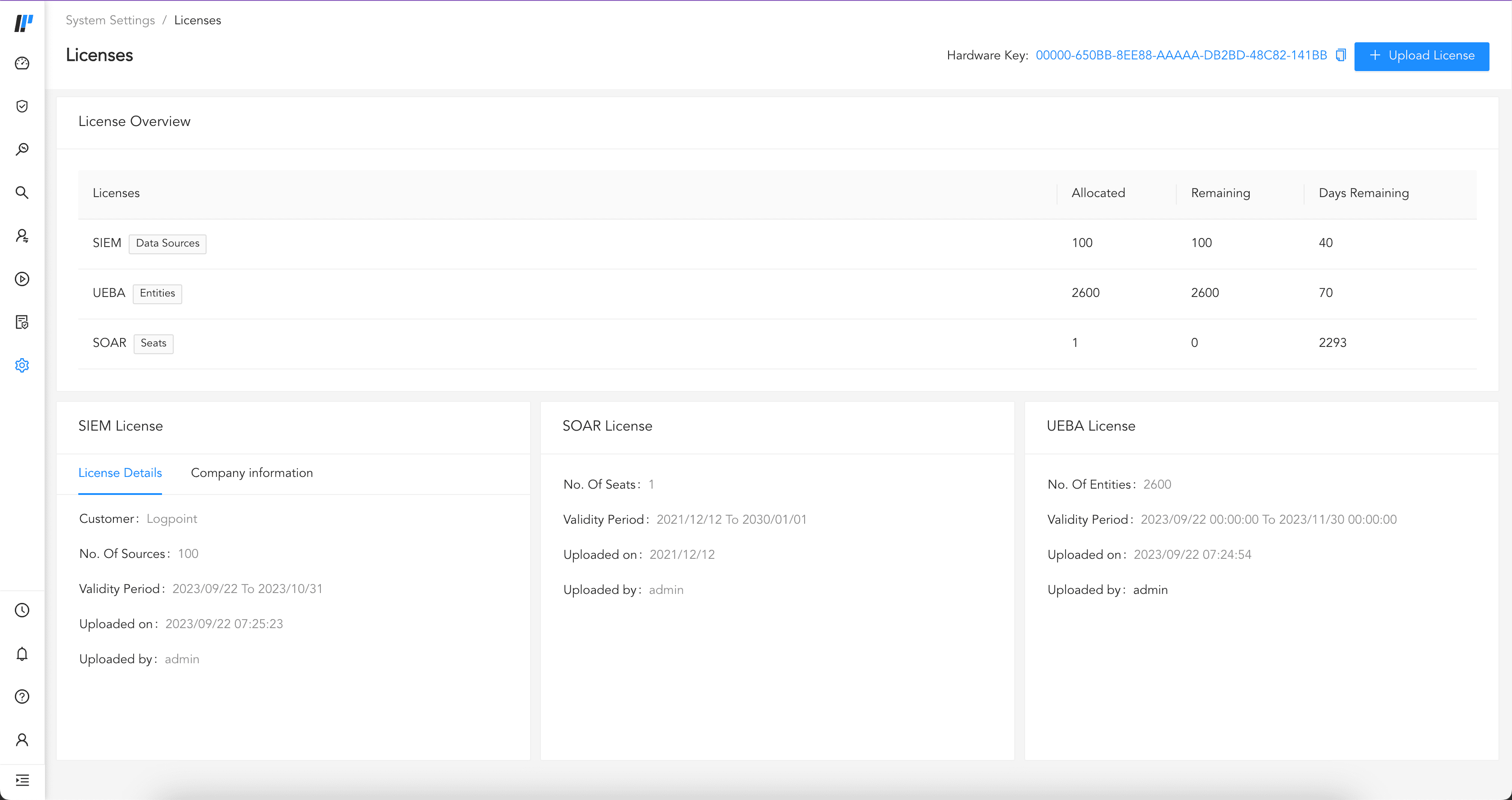
Logpoint Licenses
Before adding a license, contact Logpoint Support and provide them with your Hardware Key. They will give you your specific SIEM, SOAR, or UEBA license. You can find the Hardware Key at Settings >> System Settings >> Licenses.

Hardware Key
To add License:
A notification is displayed at the top right corner 45 days before your license expires. When a license expires, you must purchase and add a new license.
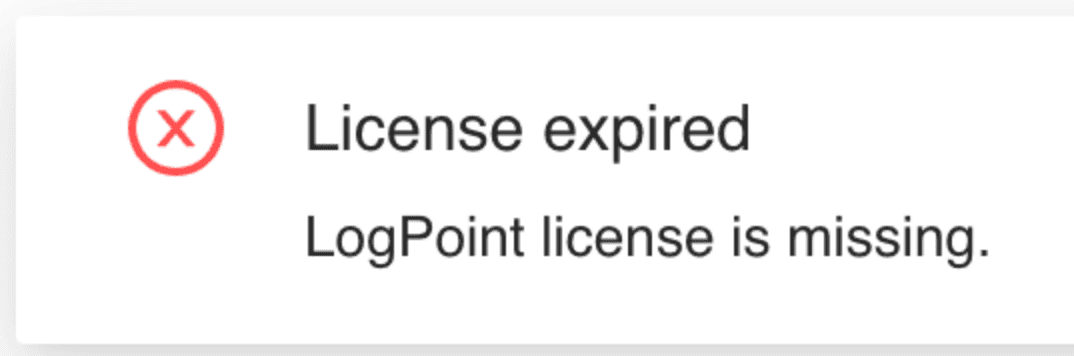
License expiry notification
For help on purchasing a new license, contact Logpoint Support.
With an expired license:
Logpoint collects and stores your logs but you cannot use search or perform analytics on them.
Logpoint generates alerts but you cannot see them.
You can contact Logpoint Support and access Help Center.
You can add a new license from Settings >> System Settings >> Licenses.